Battistics Remote · iPhone
Your Mac.
Within reach.
Check your Mac’s battery. Control Keep Awake from your iPhone. Take the controls with you when you leave the desk.
Download on the App StoreRequires a Mac running Battistics and the same Apple Account on both devices.
Battistics for Mac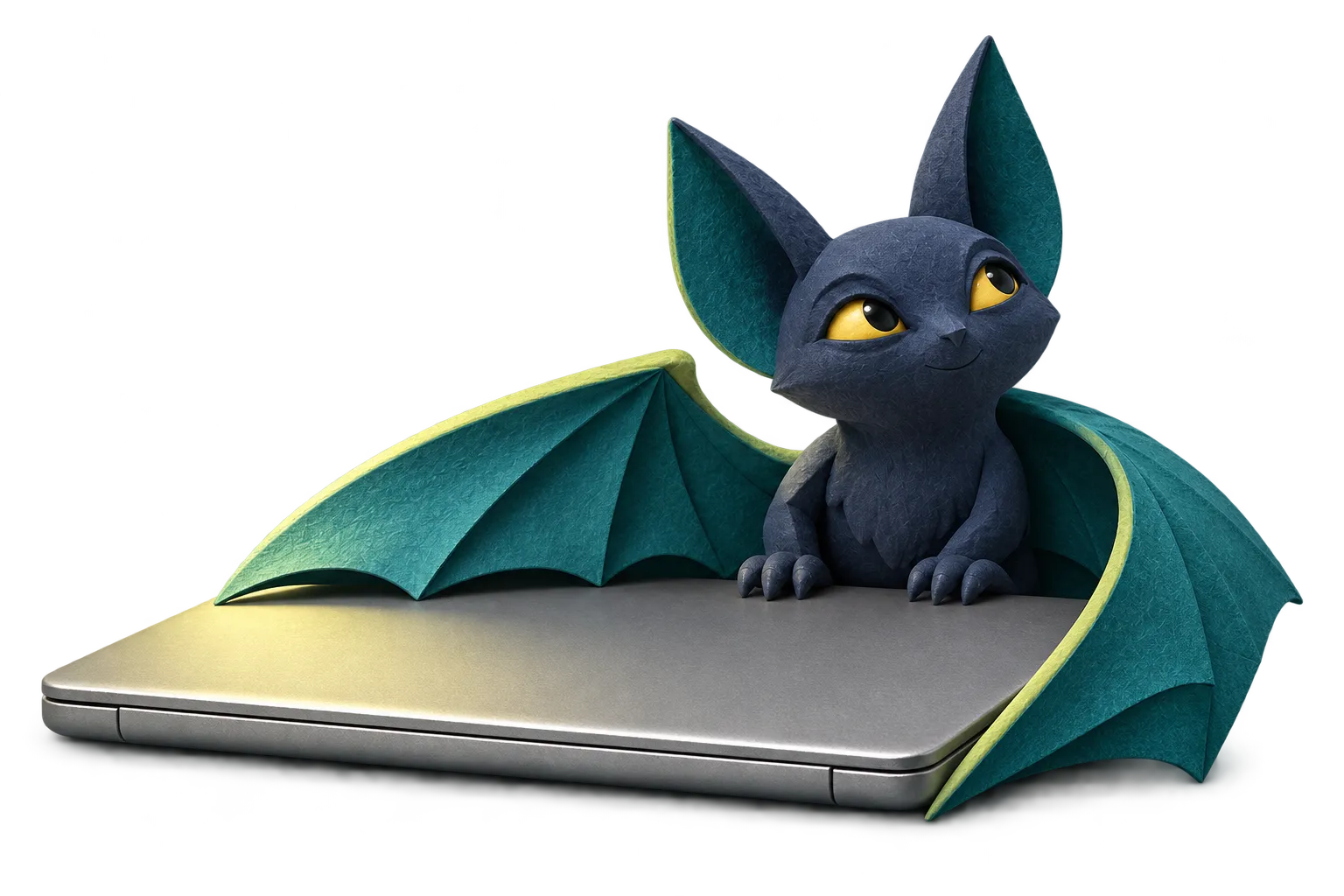
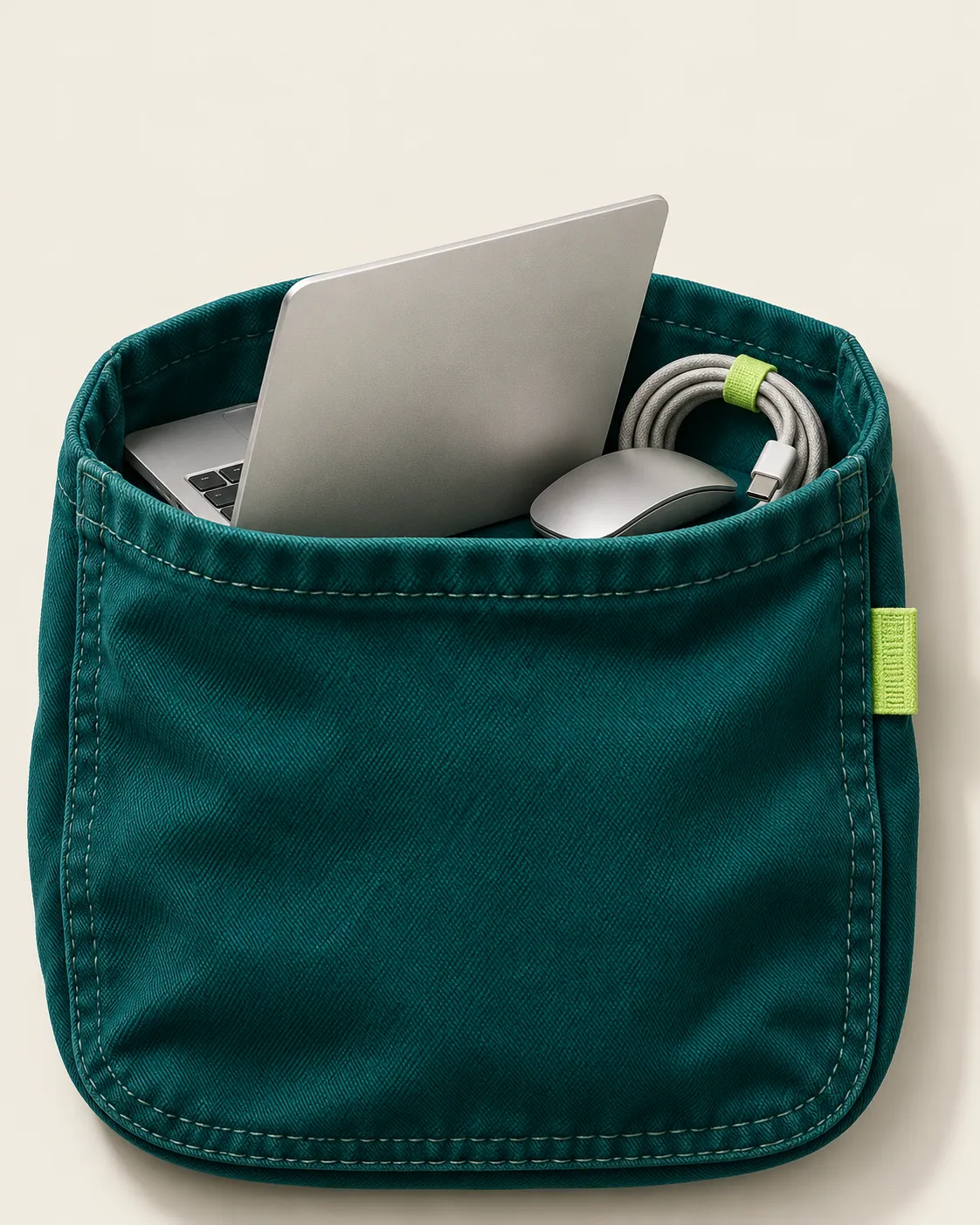
Your desk. In your pocket.
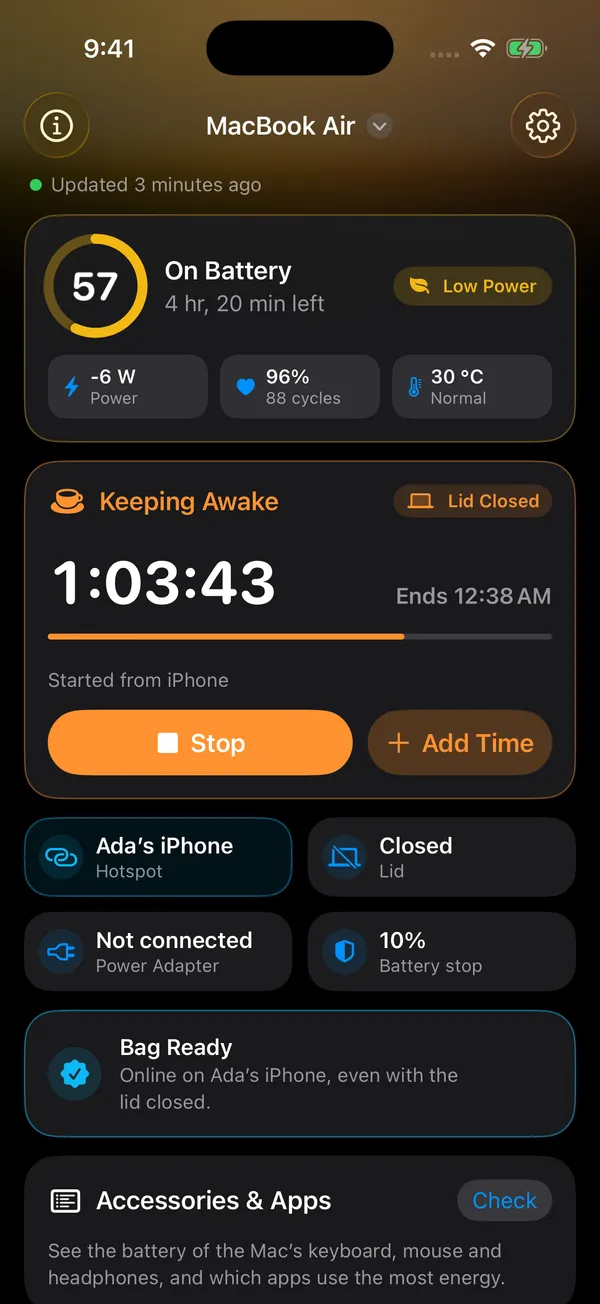
Charge, time left, battery health, temperature and Keep Awake. Your Mac at a glance, with connected accessory batteries and the apps using the most energy.
Pick a time. Keep it awake.
Screen on, screen off or lid closed. Enable closed-lid sessions in the Mac app’s iPhone settings first.
Images preview Remote 1.1.0. The current App Store version connects through iCloud.
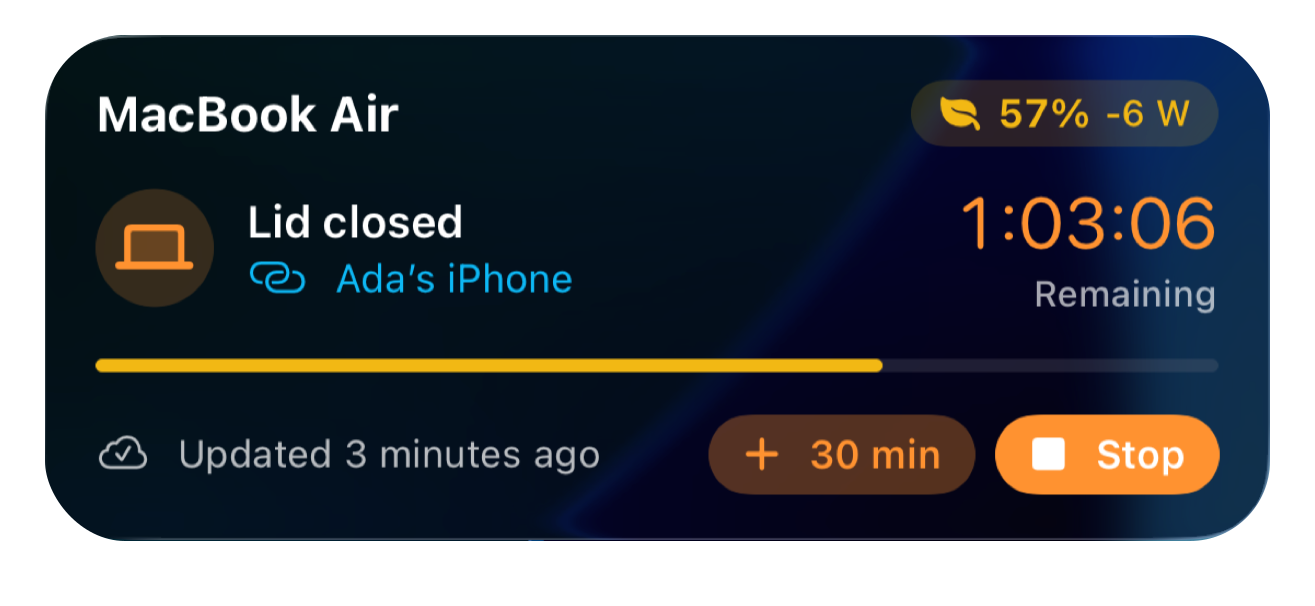
Lid closed. Still in control.
Add time or stop your session from the Lock Screen. Home Screen widgets, Control Center and Shortcuts put everyday actions within reach.
Background updates depend on iOS and the connection. An expired Live Activity does not end Keep Awake on your Mac.
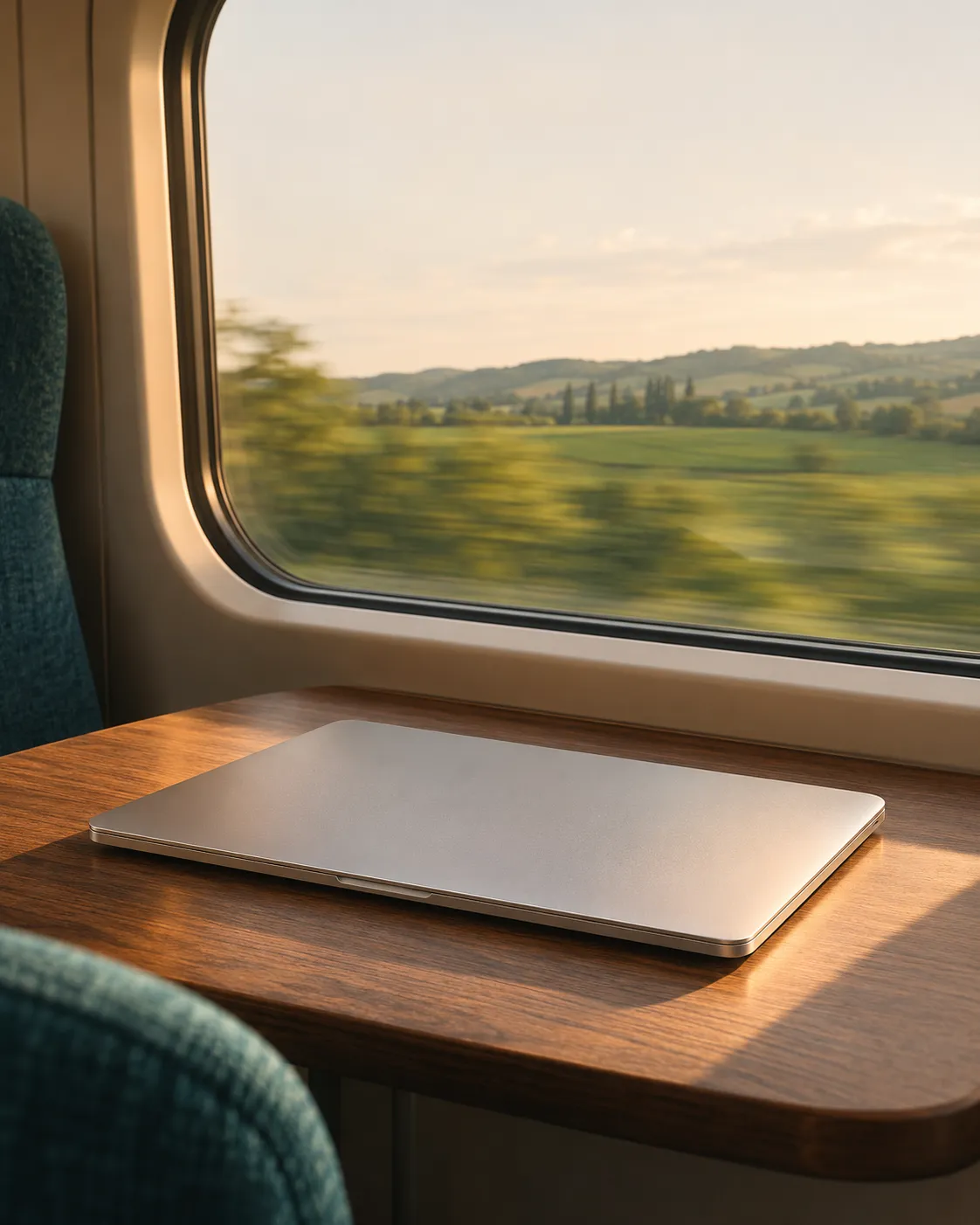
Close by. Or far away.
Private iCloud brings your devices together. Nearby connections arrive with Remote 1.1.0 and Battistics 1.6.0 for Mac: local network or Bluetooth, with automatic handoff when a connection drops.
Between your devices.
No extra account, pairing code or developer server. Your Mac’s data travels through your private iCloud account and authenticated, encrypted nearby connections.
No Mac set up yet? Choose Try a Sample Mac on the first screen. Explore the controls with sample readings; no commands are sent anywhere.
Download on the App Store